Blocksy
The Procaptcha plugin extends the newsletter subscribe form of the Blocksy theme, and covers its account modal forms through the WordPress Core Forms integration.
1. Newsletter subscribe form
Section titled 1. Newsletter subscribe formThe subscribe form ships with Blocksy Companion as the Newsletter Subscribe extension. Both the block and the [blocksy_newsletter_subscribe] shortcode are protected, and no per-form switch is needed: the widget is added as soon as both plugins are active.
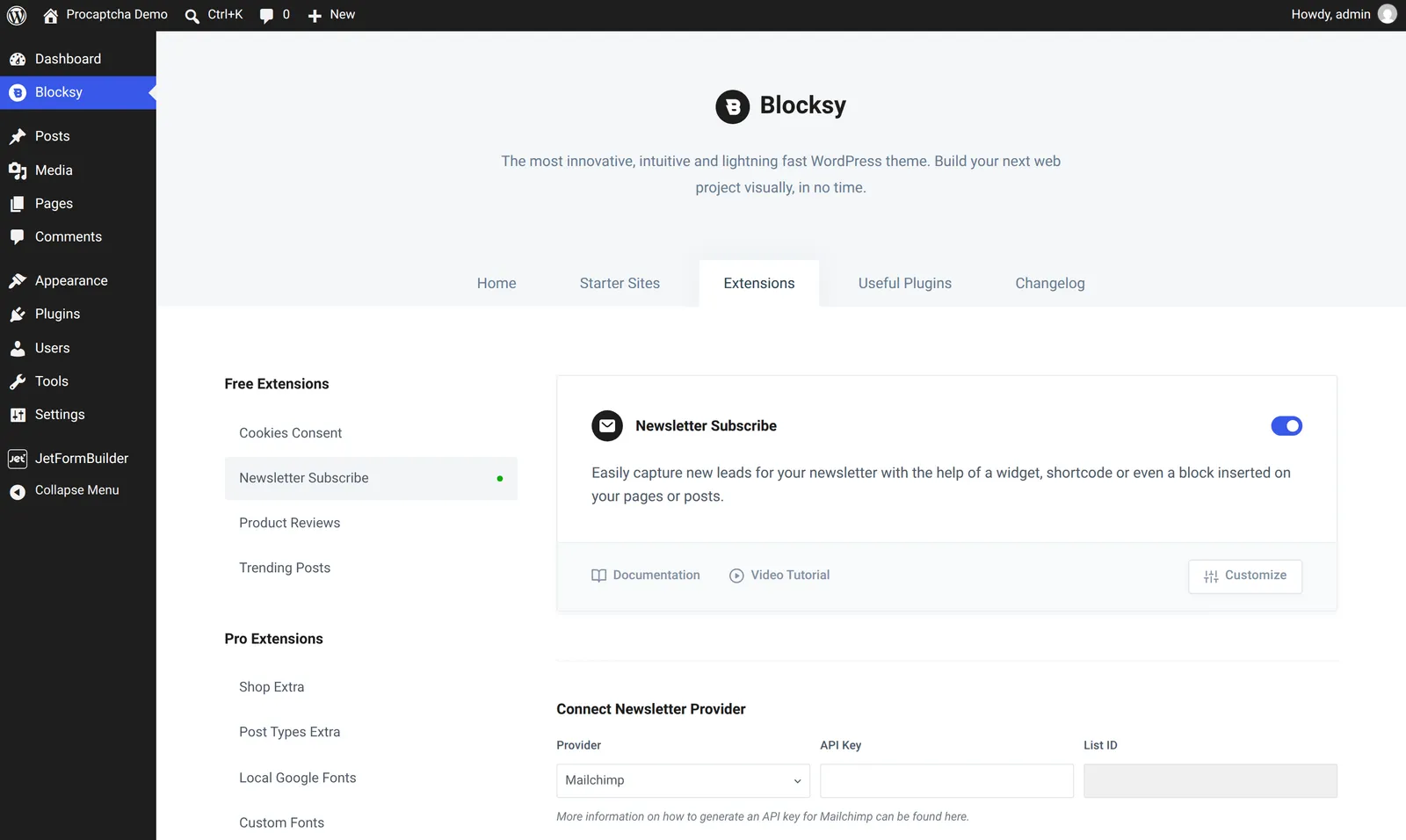
- Go to Blocksy > Extensions and enable Newsletter Subscribe.
- Connect a newsletter provider (Mailchimp and the other supported services) and save the settings.
- Add the Newsletter block to a page or a widget area, or place the
[blocksy_newsletter_subscribe]shortcode in your content.
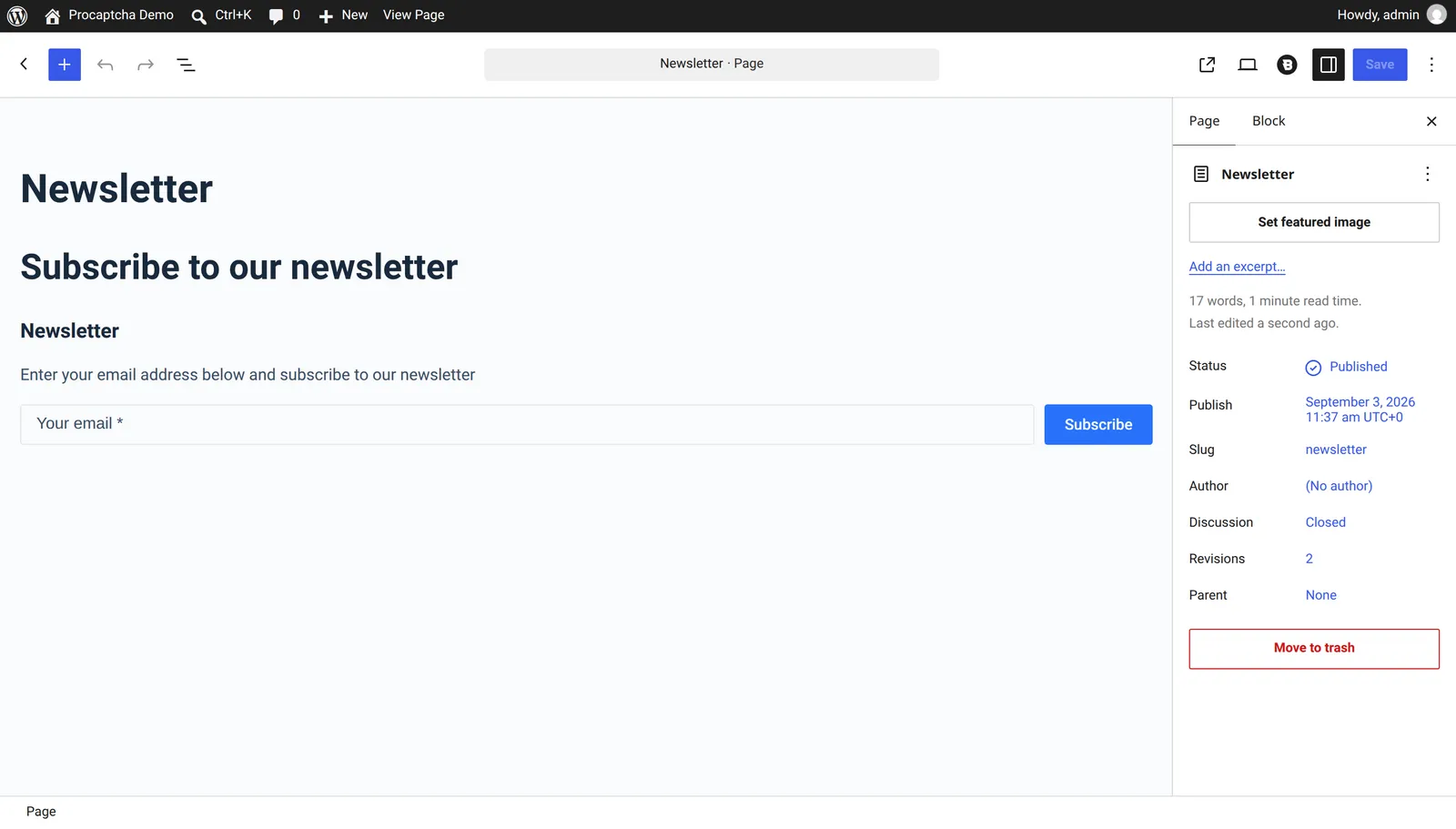
The Procaptcha widget is rendered just above the form’s message area. A submission with a missing or invalid token is rejected before Blocksy’s own handler runs, and the validation message is shown in the form’s message area.
2. Account modal forms
Section titled 2. Account modal formsBlocksy renders its login, registration and password recovery modals with the native WordPress account hooks and processes them through the native flow, so they are covered by the WordPress Core Forms integration rather than by a Blocksy-specific one:
- Visit the Procaptcha plugin settings
- Switch to the “Core forms” tab
- Enable protection for the login, register and lost password forms as needed
- Save settings
Related blog articles