LearnDash LMS
The Procaptcha plugin extends the account forms of LearnDash LMS, the forms bots target when they sign up for free courses in bulk.
1. Registration form
Section titled 1. Registration formThe LearnDash registration form is protected as soon as both plugins are active — there is no per-form switch.
To confirm it is running, open Settings > Procaptcha > Active Integrations and check that LearnDash LMS is listed.
A rejected submission is reported through LearnDash’s own error list, so the visitor sees the failure in the same place as any other registration error.
2. Login form
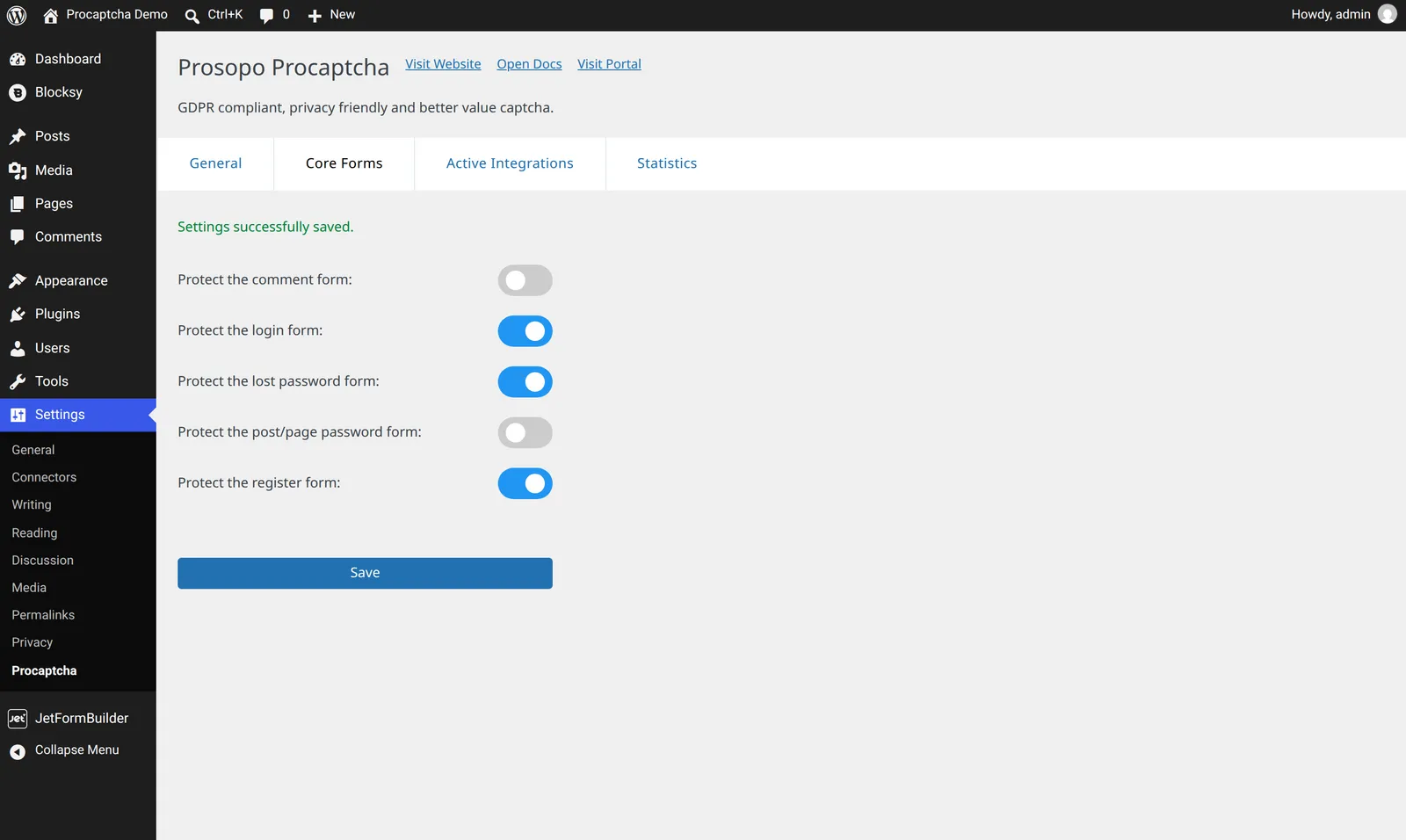
Section titled 2. Login formThe LearnDash login form submits through the native WordPress login flow, so it is controlled by the generic Procaptcha settings:
- Visit the Procaptcha plugin settings
- Switch to the “Core forms” tab
- Enable login form protection
- Save settings
3. Password recovery form
Section titled 3. Password recovery formThe password recovery form also submits through the native WordPress flow:
- Visit the Procaptcha plugin settings
- Switch to the “Core forms” tab
- Enable lost password form protection
- Save settings
Related blog articles